When Multiview, Time-Shift, and Real-Time Statistics Features Are Actually Useful for Watching Sports
Watching sports is no longer limited to a single live broadcast. Many streaming services and sports platforms now include features such as Multiview, Time-Shift, and Real-Time Statistics, giving viewers more ways to follow a match. While these tools sound appealing, they are not equally valuable in every situation. Some solve common viewing problems, while others only add information that many fans may never use.
The best viewing experience often comes from choosing the feature that matches your needs rather than enabling everything available. Whether you are following multiple matches, joining a game late, or looking for more tactical insight, knowing when each feature becomes useful helps you get more from the broadcast without unnecessary distractions.
Follow More Than One Match Without Constantly Switching Channels
Multiview is designed for occasions when one screen is not enough. It allows you to watch several live feeds simultaneously instead of repeatedly changing channels or opening multiple browser tabs.
This feature becomes particularly valuable during busy sports schedules. League seasons often have several matches kicking off at the same time, tournament group stages feature multiple games with qualification implications, and playoff weekends can include overlapping fixtures. Rather than missing important moments while switching between broadcasts, Multiview lets you monitor everything from one place.
Many football fans, for example, watch their favorite club while keeping an eye on a title rival or another match that affects the league standings. Basketball fans may follow two playoff games at once, while motorsport viewers can combine the main race feed with an onboard camera or timing screen if their platform supports multiple video feeds.
Multiview is also popular among Fantasy Sports players because individual player performances across different games directly affect their teams. Instead of waiting for score notifications, they can follow key players live.
Some services even allow different camera angles for the same event. Watching the standard broadcast alongside an alternative tactical view or player-focused camera can provide a different perspective without leaving the main coverage.
However, Multiview is not always the best choice. If you are fully invested in one match, dividing the screen often reduces immersion and makes important details harder to see. Smaller displays such as smartphones or compact tablets may leave each video window too small for comfortable viewing.
For many regular-season matches, a single full-screen broadcast remains the more enjoyable option.
Catch Up Without Missing Important Moments
Not everyone can sit down exactly when a game begins. Time-Shift is valuable because it removes that pressure.
Instead of joining a match halfway through and trying to understand what happened, you can restart the broadcast from the beginning while the event is still live. Many platforms also allow viewers to pause the action, rewind several minutes, or replay a key sequence before returning to the live feed.
This feature is especially useful for people with unpredictable schedules. A delayed commute, a family commitment, or an unexpected phone call no longer means missing the opening goal or an important first quarter.
Time-Shift also improves the viewing experience when controversial moments occur. Rather than relying solely on the broadcaster’s replay, viewers can rewind and examine a referee’s decision, a possible foul, or a remarkable individual play again before forming their own opinion.
Sports with frequent breaks can benefit even more. Baseball, cricket, and American football naturally include pauses between plays, allowing viewers to skip less eventful periods and focus on the action that matters most.
The feature does have limitations. Watching behind the live broadcast means social media notifications, live score apps, and group chats may reveal important moments before they appear on your screen. If following real-time conversations is part of your match-day routine, staying live may be the better choice.
Some services also restrict how far you can rewind or how long a paused stream remains available, making it worth checking these limits before an important event.
Extra Match Data Can Change How You Read the Game
Real-Time Statistics are designed for viewers who want more than simply watching the action unfold.
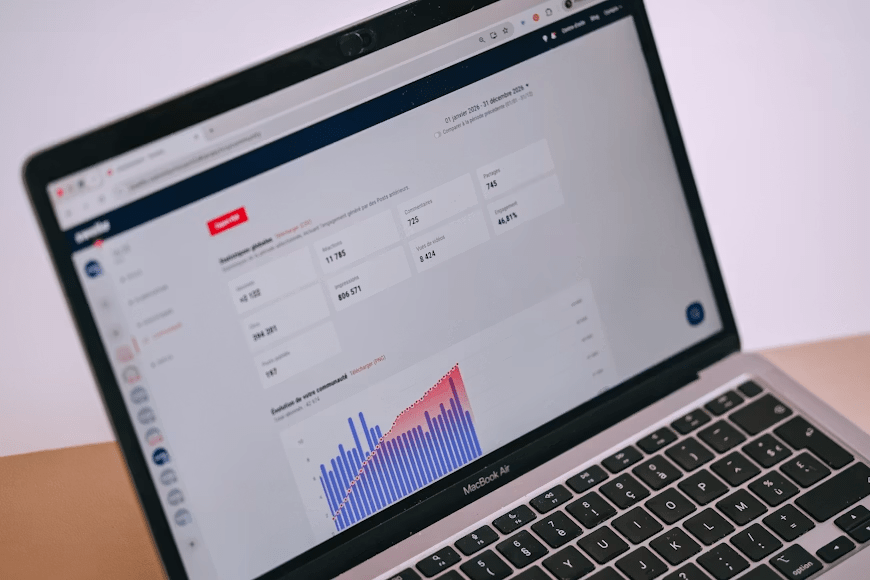
Modern sports broadcasts often include live data such as possession percentage, passing accuracy, shot locations, expected goals (xG), player speed, pitch velocity, serve speed, or other performance metrics depending on the sport. These numbers provide additional context that is not always obvious from watching alone.
In football, a team may dominate possession while creating very few dangerous chances. Looking only at ball control could suggest they are playing better, but statistics such as expected goals or shots on target often reveal a different story.
Basketball viewers can quickly identify which lineup produces the highest scoring efficiency. Baseball fans may understand why a batter consistently reaches base by looking at exit velocity and launch angle instead of focusing only on hits. Similar insights appear across many sports as broadcasters continue expanding their live data coverage.
These statistics are particularly valuable for fans who already understand the sport and enjoy discussing tactics, player performance, or coaching decisions after the game.
Casual viewers, however, may find constant numbers distracting. Watching the scoreboard, graphics, and statistical overlays at the same time can reduce enjoyment instead of improving it. Many streaming platforms recognize this by allowing viewers to hide statistical overlays whenever they prefer a cleaner broadcast.
The usefulness of Real-Time Statistics also depends on the competition being shown. Major professional leagues usually provide extensive data through official tracking systems, while lower divisions or smaller sports may only display basic information such as scores and possession.
One Feature Is Usually Enough for Most Viewing Sessions
Many people assume using every available feature automatically creates the best viewing experience. In reality, most matches only require one tool, if any.
If your goal is simply to enjoy your favorite team’s match, the standard live broadcast often provides everything you need. A full-screen picture and commentary are usually more engaging than dividing your attention across several windows or data panels.
Multiview makes sense when several games deserve equal attention or when different camera angles genuinely add value.
Time-Shift is the better choice for viewers who regularly arrive late, need to pause during the game, or prefer catching up without missing important moments.
Real-Time Statistics are most useful for fans who enjoy analyzing performances, comparing tactical approaches, or discussing detailed aspects of the game after the final whistle.
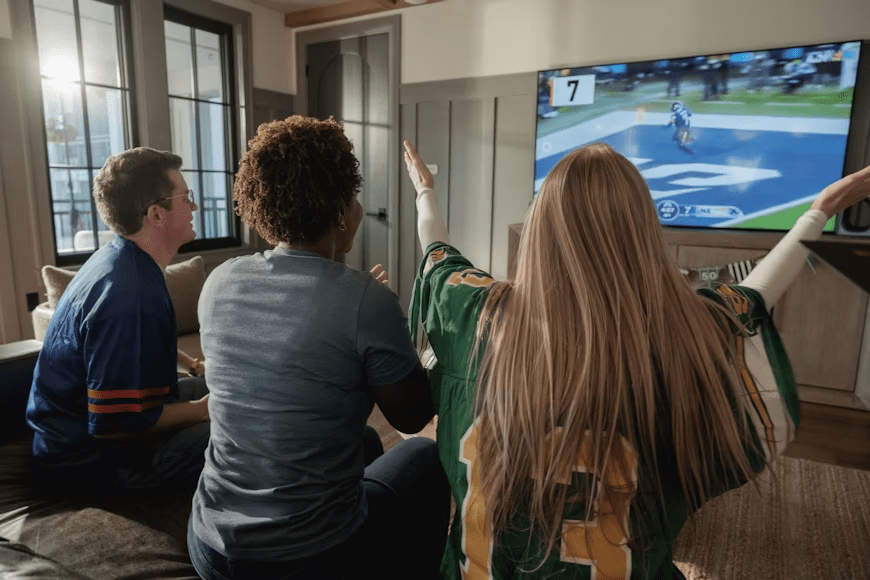
There are also occasions when none of these features offers much benefit. Watching a championship final with family, enjoying a match at a sports bar, or sharing the experience with friends often works best with a simple live broadcast. In these situations, the atmosphere matters more than additional tools.
Rather than asking which feature is the most advanced, ask which one solves the problem you have during that particular match. The answer is often much simpler than many viewers expect.
Make Sure Your Platform Supports the Features Before Kickoff
The availability of these features varies significantly between streaming services, broadcasters, and devices.
Before relying on Multiview, confirm that your TV, streaming box, or mobile device actually supports it. Some providers only offer Multiview on selected smart TVs or streaming devices, while mobile versions may have fewer capabilities.
Time-Shift also differs between services. Some platforms let viewers restart an event from the beginning, while others only allow pausing or a limited rewind window. Live channels delivered through traditional television providers may depend on DVR functionality rather than built-in streaming features.
Real-Time Statistics are equally inconsistent. Premium competitions often include detailed live metrics, but smaller leagues may only display basic match information. Some services even reserve advanced statistics for higher subscription tiers.
Testing these features during a less important match is a practical way to avoid surprises. It also gives you time to adjust display settings, learn where each option is located, and confirm that your internet connection can handle additional features such as Multiview without affecting video quality.
Choosing the right feature matters far more than using every feature available. Multiview, Time-Shift, and Real-Time Statistics each solve different viewing needs, and their value depends on the match, your viewing habits, and the platform you use. Selecting the tool that fits your situation usually creates a smoother and more enjoyable sports experience than turning on every available option.